
Great footage is only half the story; editing is where your content comes to life.
Knowing how to edit effectively can transform raw footage into compelling, professional videos that people want to watch.
Whether you’re recording an interview, Zoom presentation or webinar, this hands-on course will teach you the essentials of how to add branding, captions and edit quickly and effectively on your laptop so you can save time and money with your own professional, polished video content.
Available as a live, hands-on course or self-paced format to suit your schedule
Create polished, professional video content worth watching
What you’ll learn:
The fundamentals of video editing, from organising footage to exporting your final video, so you create professional content every time.
How to use editing software to cut, trim, and arrange your clips so the final result is always polished.
How to add titles, logos, transitions, and effects to enhance your video for lasting impact and engagement.
Export settings and formats to ensure your video can be shared across a variety of platforms without compromising on quality.
Who is this course for?
This course is for professionals who want to edit their own videos and create professional content without hiring an editor or investing in expensive software.
Past course participants include business owners, marketers, content creators, nonprofit communication officers, social media managers and anyone producing long-form video content.
If you want to create videos that transform raw footage into polished, engaging content, this is the course for you.

What to expect
This is a practical, hands-on course including editing assignments to give you the accountability to put what you learn into practice, so you leave the course with a finished video you can instantly share.
Course length: 6 hours
Delivery: Live online or self-paced formats available.
Level: Beginner
Equipment needed: Computer or laptop, editing software (free options like DaVinciare recommended) and video footage to work with.
Choose Your Video Editing Made Easy Format
-
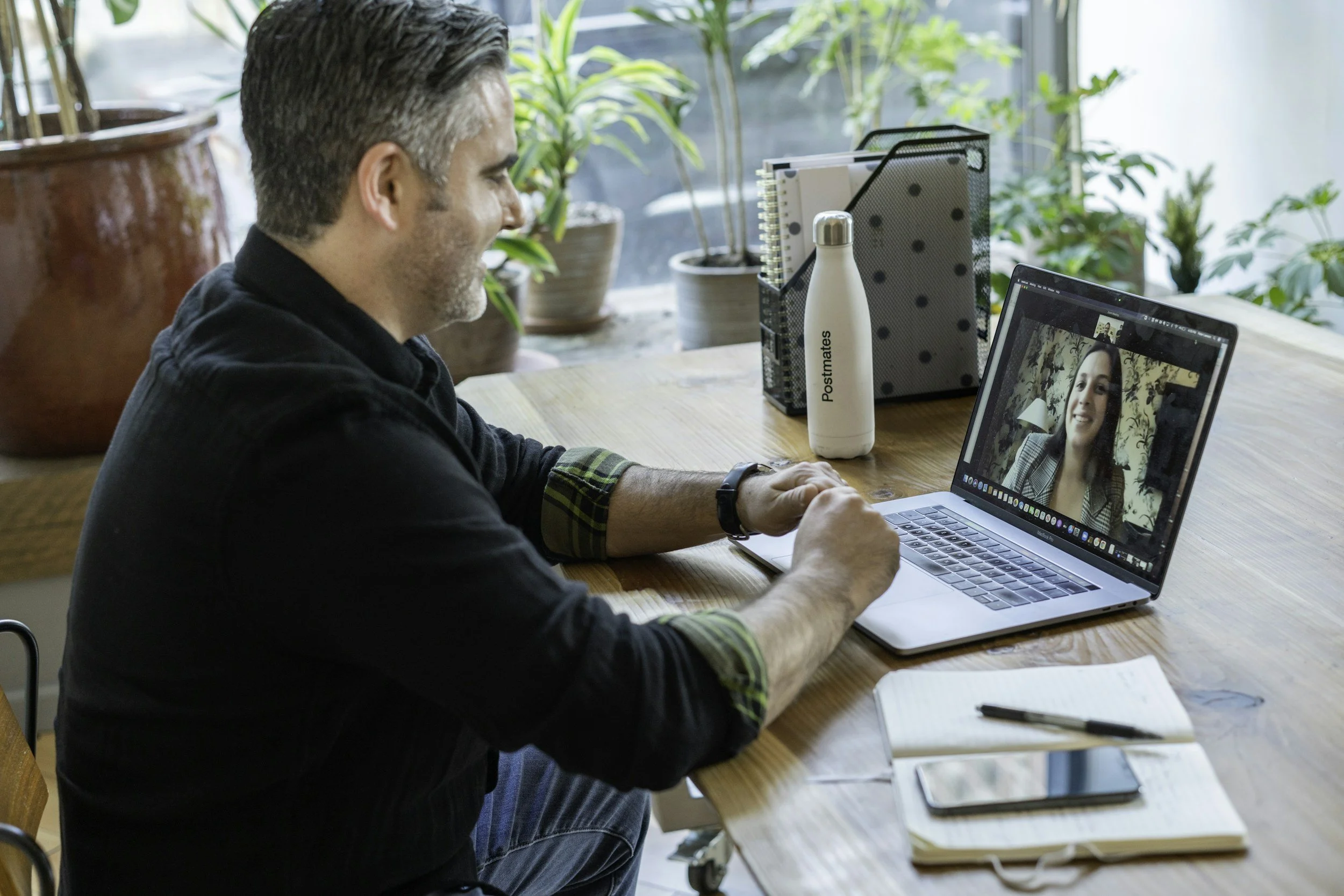
Video Editing Course Live Online
Duration: 2 x 3-hour live sessions
Delivery: Live tutoring on Zoom with pre-recorded modules and assignments,
Cost: €750 plus VAT
Best for: Live feedback and accountability
-
Video Editing Course Self-Paced Course
Duration: Self-paced over 4 modules
Delivery: Pre-recorded modules and assignments
Cost: €550 plus VAT
Best for: Flexible schedules
Why Video Editing Made Easy?
Led by Aileen O'Meara, award-winning former RTÉ journalist and documentary maker with over three decades of broadcast experience, this course gives you insider knowledge from someone who understands visual storytelling. You'll learn practical techniques you can use immediately to create captivating long form videos
Ready to book?
Get in touch to book your live session or click enrol now to get instant access to the self-paced course.